
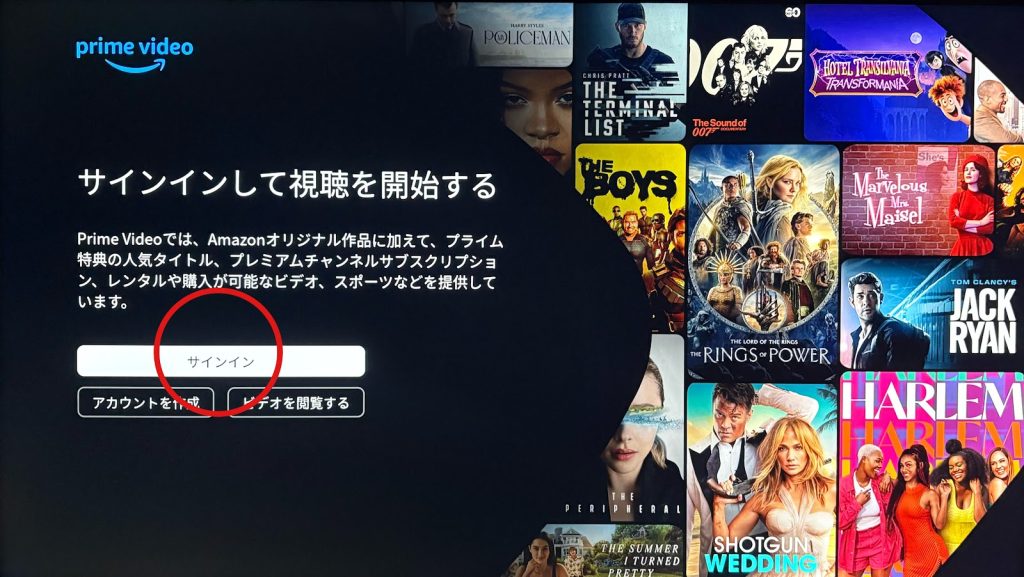
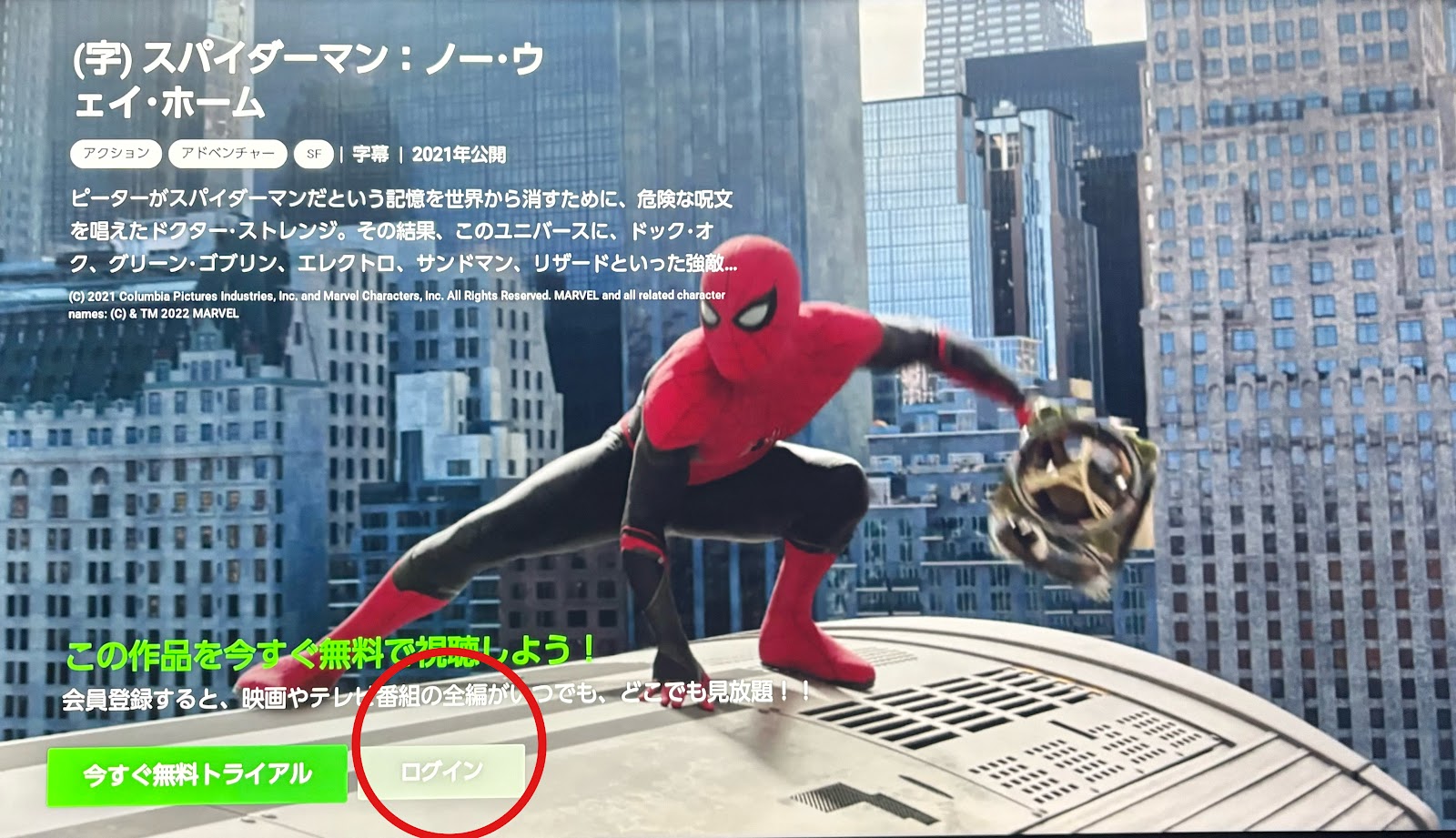
For customers using video streaming services, please select each button → Log in / Sign in.
Scan the displayed QR code to connect with your account to start watching.
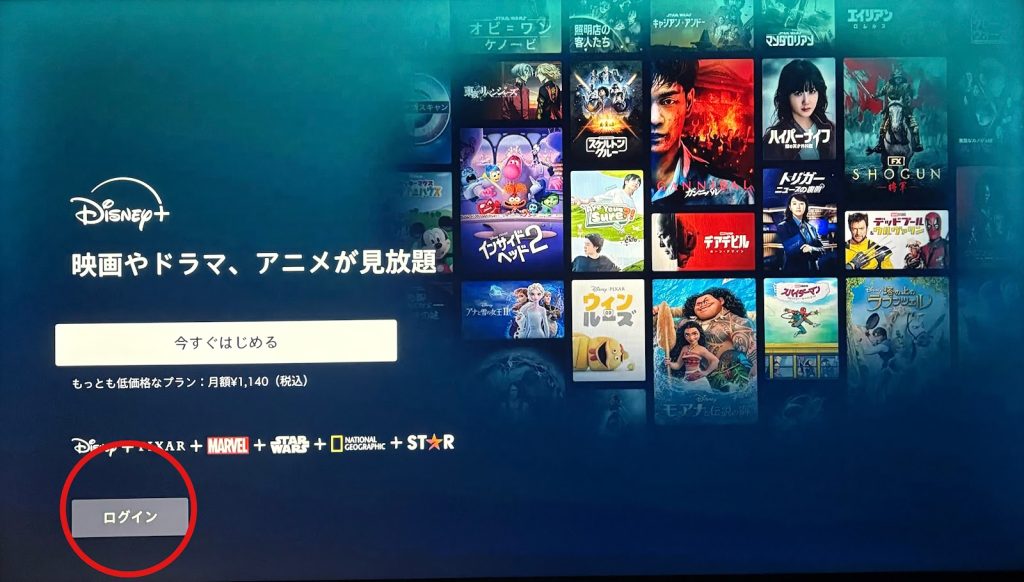
Here are the login/sign-in screens for each video service (screenshots provided).
Use the ◀▶ buttons to make your selection, then press the Enter/OK button on the remote control.
When you turn the TV off, you will be automatically logged out of your accounts.

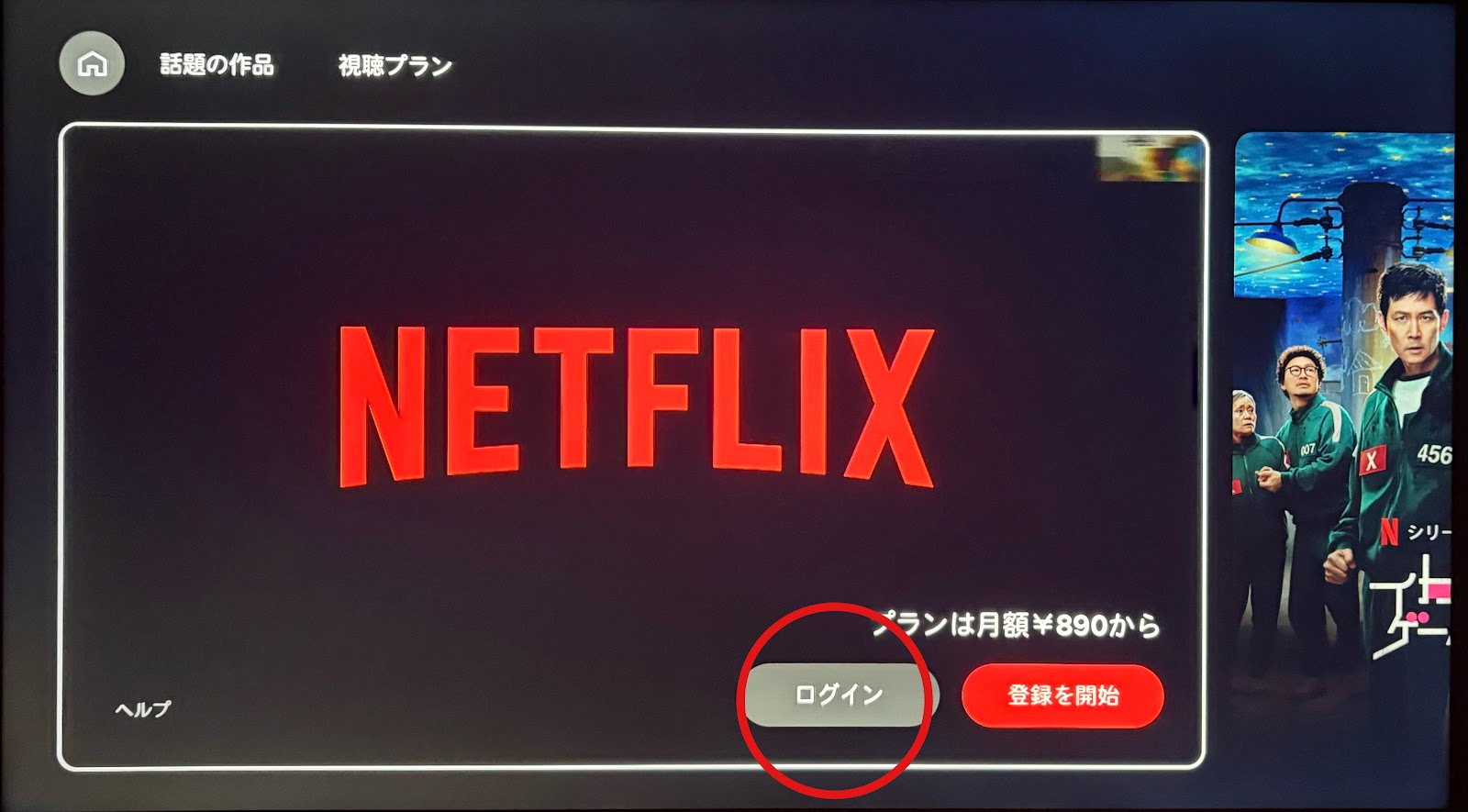
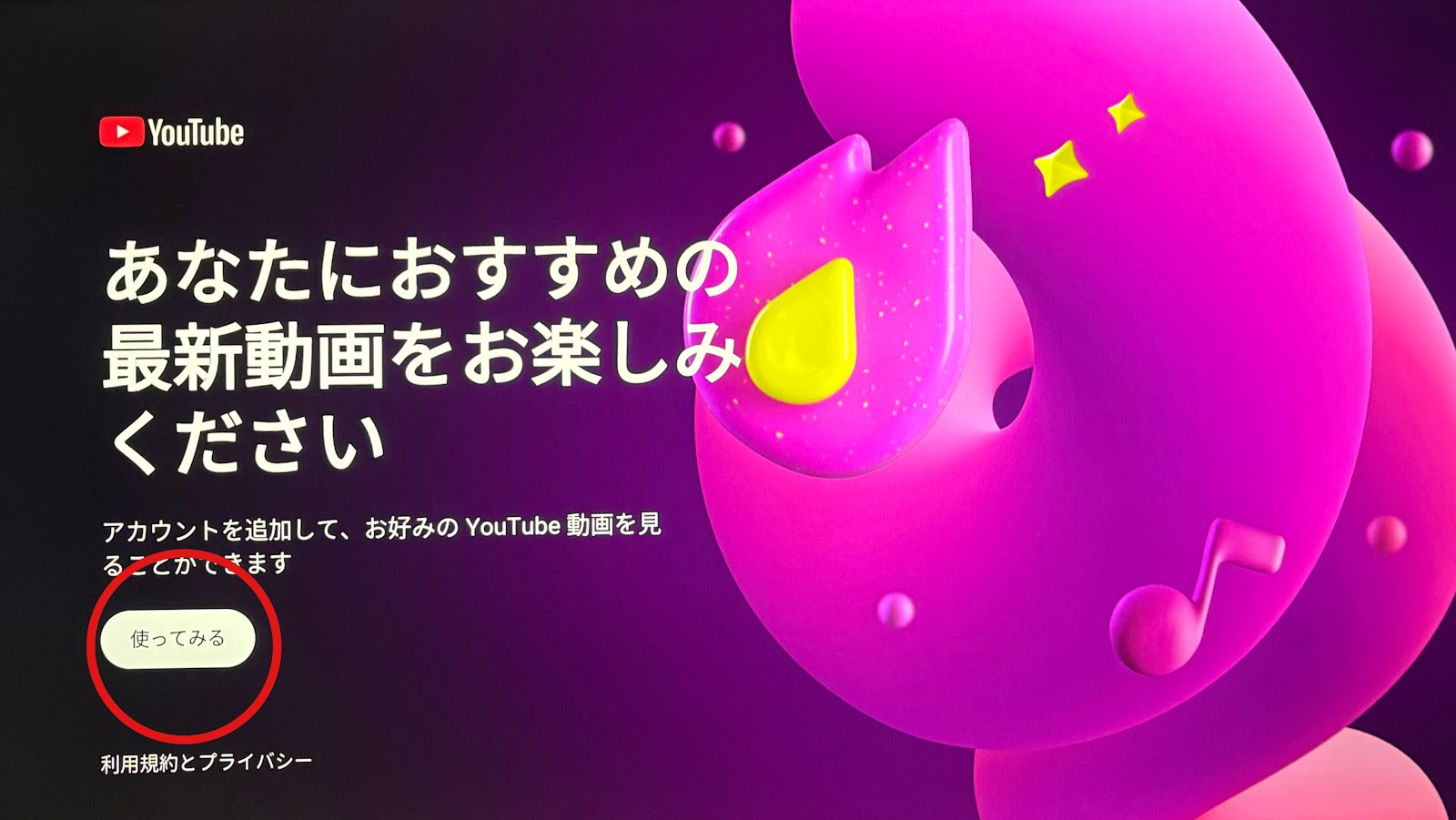
The position of the button may differ from the photo, but please press the button labeled “サインイン“ (Sign in) in Japanese.
To watch Hulu, first select a program and choose ▶ Play. After that, log in and scan the QR code.

To check this page on your own smartphone, please scan this QR code.